Search in Chats
The Search in Chats panel lets you quickly find chats and folders by name, without scrolling through your entire history. It opens as an overlay and provides both a search input and a view of your recent activity.
Open the Search Panel
Click the Search in Chats button in the left sidebar, below the Explore shortcuts.
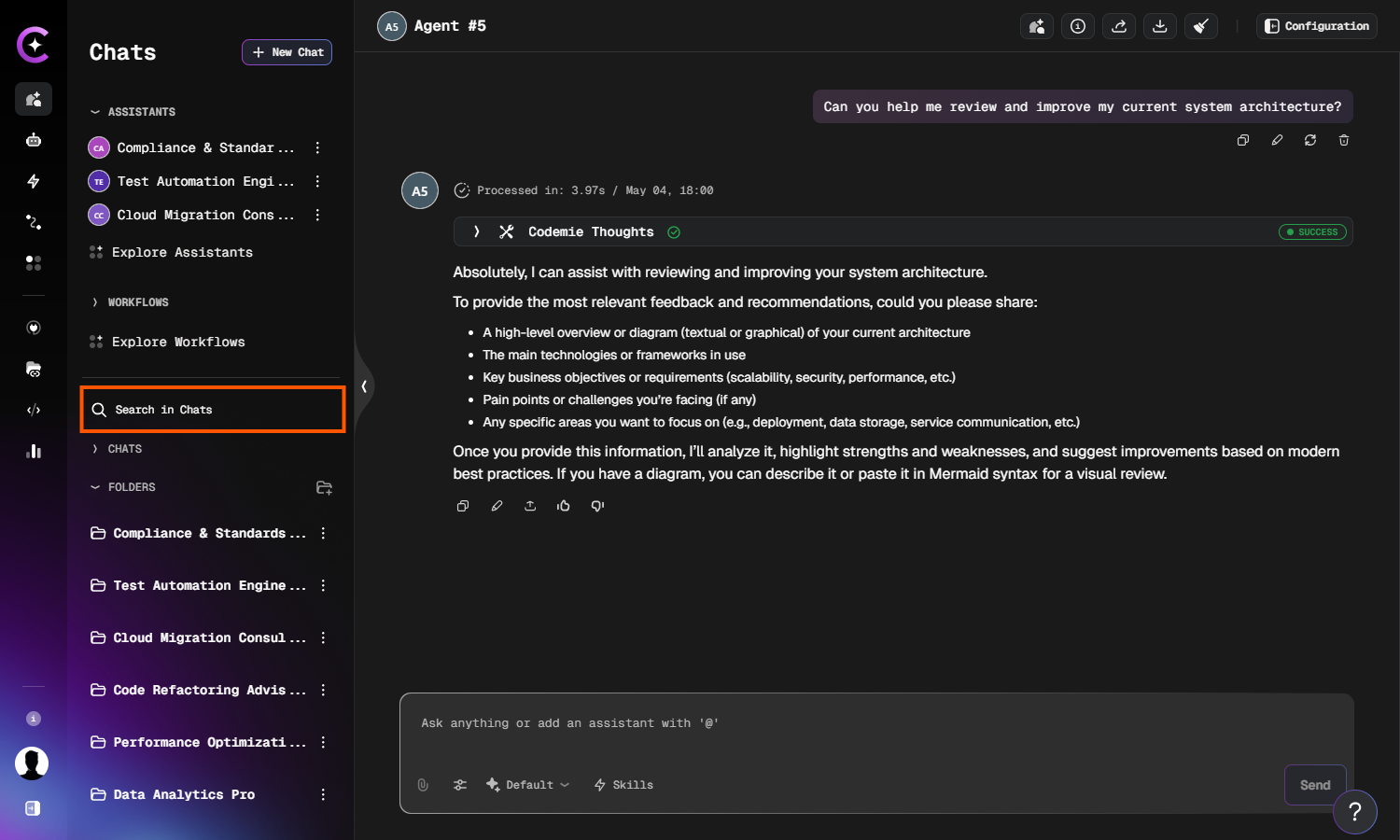
The panel opens as an overlay showing your search history (if any) and your most recent chats.
Browse Recent Chats
When the panel opens with no query entered, it shows two sections:
- Last Search — your previously searched terms. Click any item to restore that query instantly.
- Recent Chats — your latest conversations grouped by time period. Click any chat to open it.
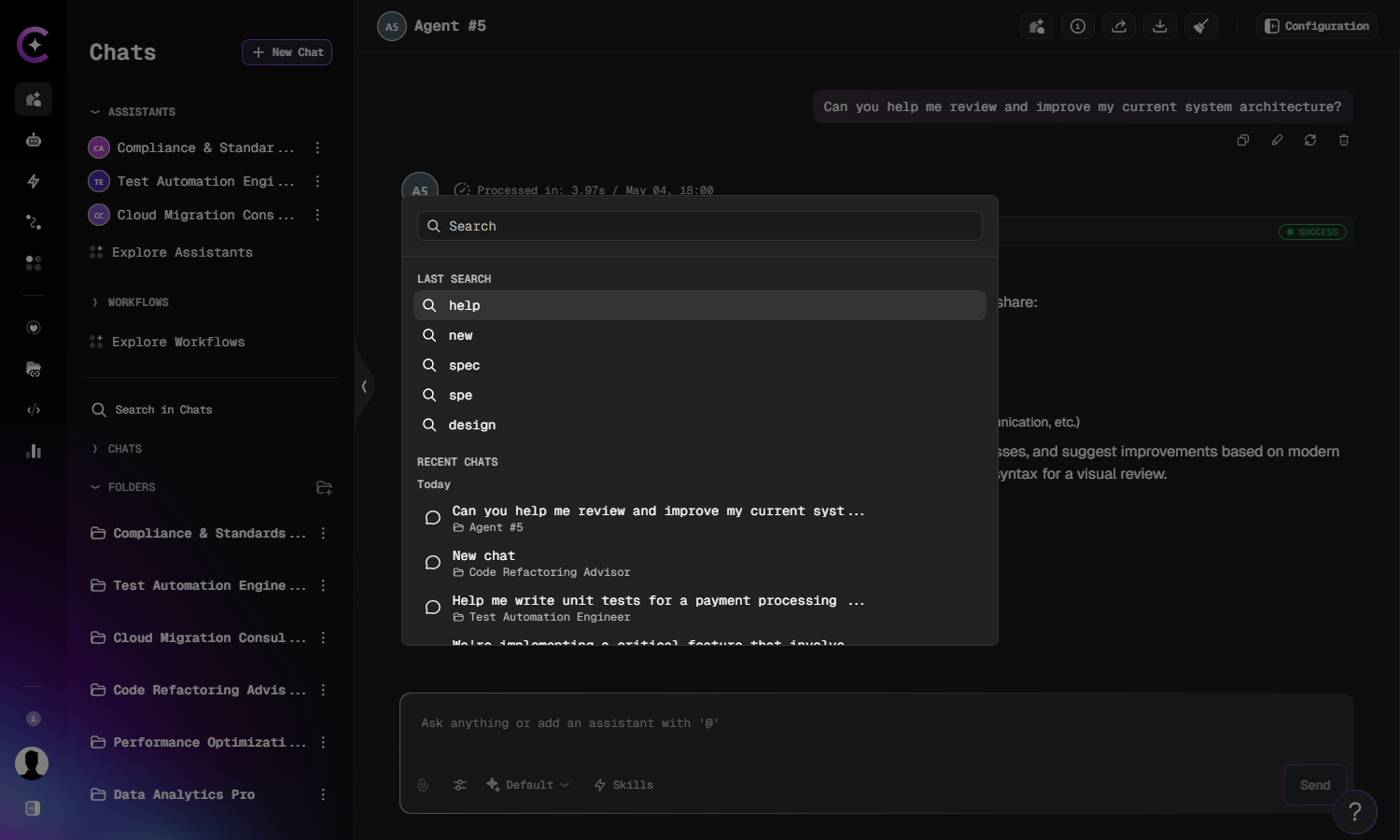
Search for Chats and Folders
Type at least 3 characters into the search field to trigger a search. The panel matches by chat name or folder name and updates results as you type.
Results are grouped and can include:
- Chats — matched by title. Clicking a result opens the chat and scrolls to it in the sidebar.
- Folders — matched by partial name. Clicking a result expands that folder in the sidebar.
If no matches are found, the panel displays No chats or folders found.
Clear a Search
Click the × button on the right side of the search field to clear the current query and return to the recent chats view.