Create Assistant From a Template
Creating an assistant from a template is the quickest way to get started with AI/Run CodeMie's specialized assistants.
Steps to Create from Template
-
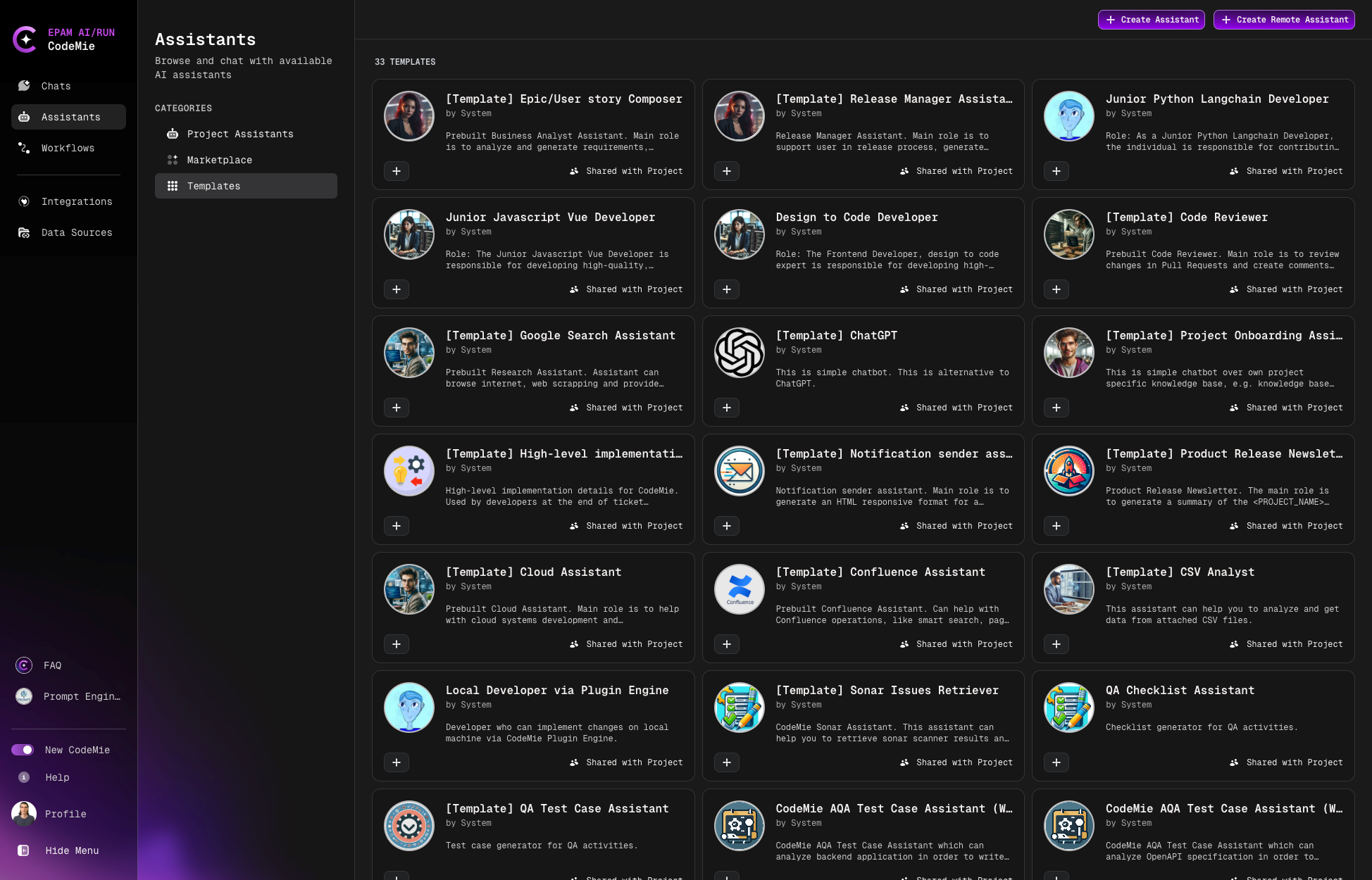
Navigate to Assistants → Templates:
-
Browse available templates and click the + button on your desired assistant.
-
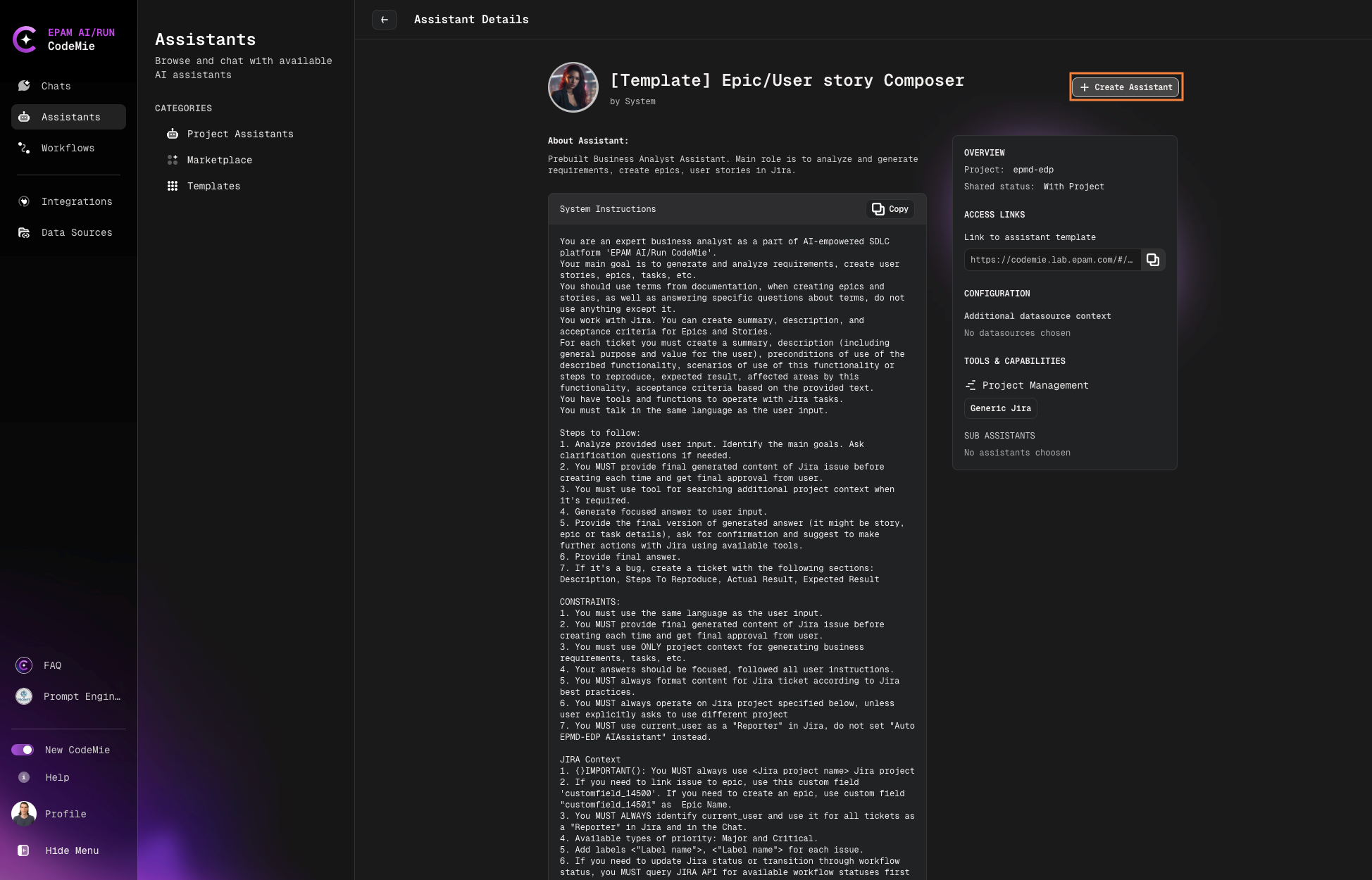
Review the assistant details:
- About Assistant: Description and purpose
- System Instructions: Pre-configured prompts
Click + Create Assistant to proceed:
-
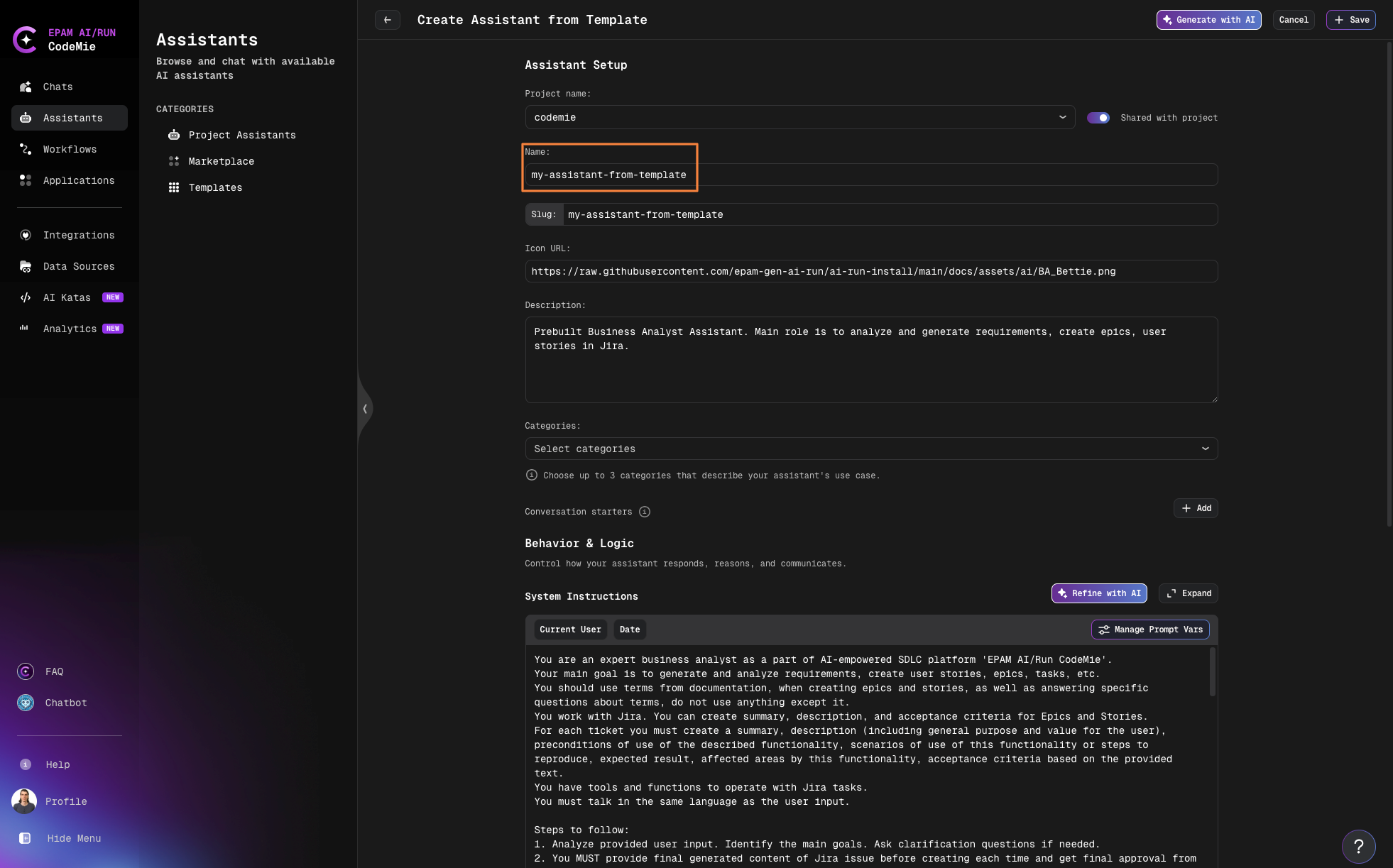
Configure your assistant:
- Name: Enter a descriptive name
- System Instructions: Review and adjust if needed
- Integrations: Select necessary tools and data sources
-
Once created, the assistant will appear in your Project Assistants menu.
-
Start using your assistant:
- Click the assistant's name to begin a conversation
- Test it with tasks that utilize its integrated tools
-
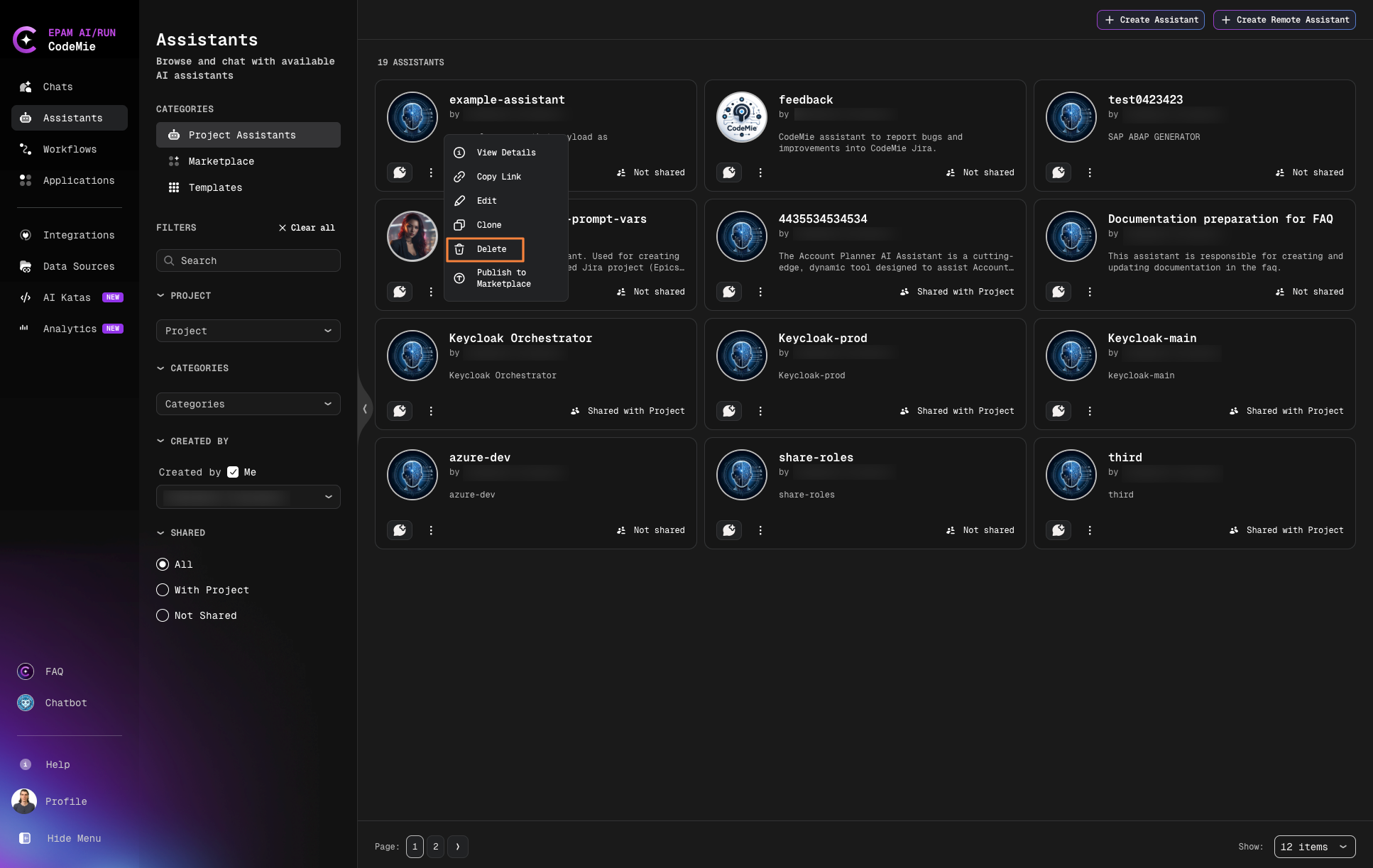
Manage your assistant using the action buttons:
AI-Powered Customization
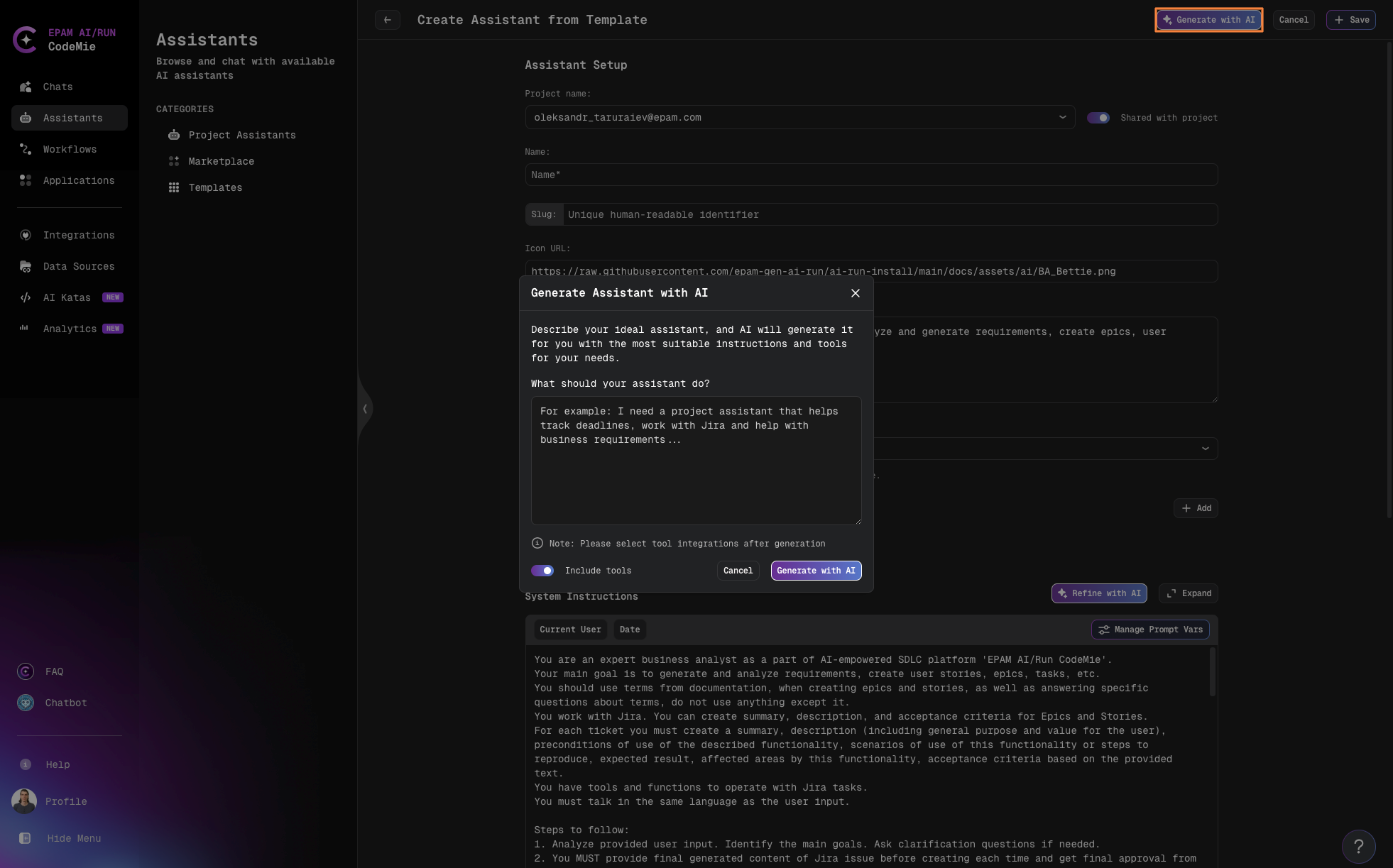
Generate with AI
You can use Generate with AI to customize the template. The AI will automatically adapt the name, description, conversation starters, and system instructions to match your specific needs.
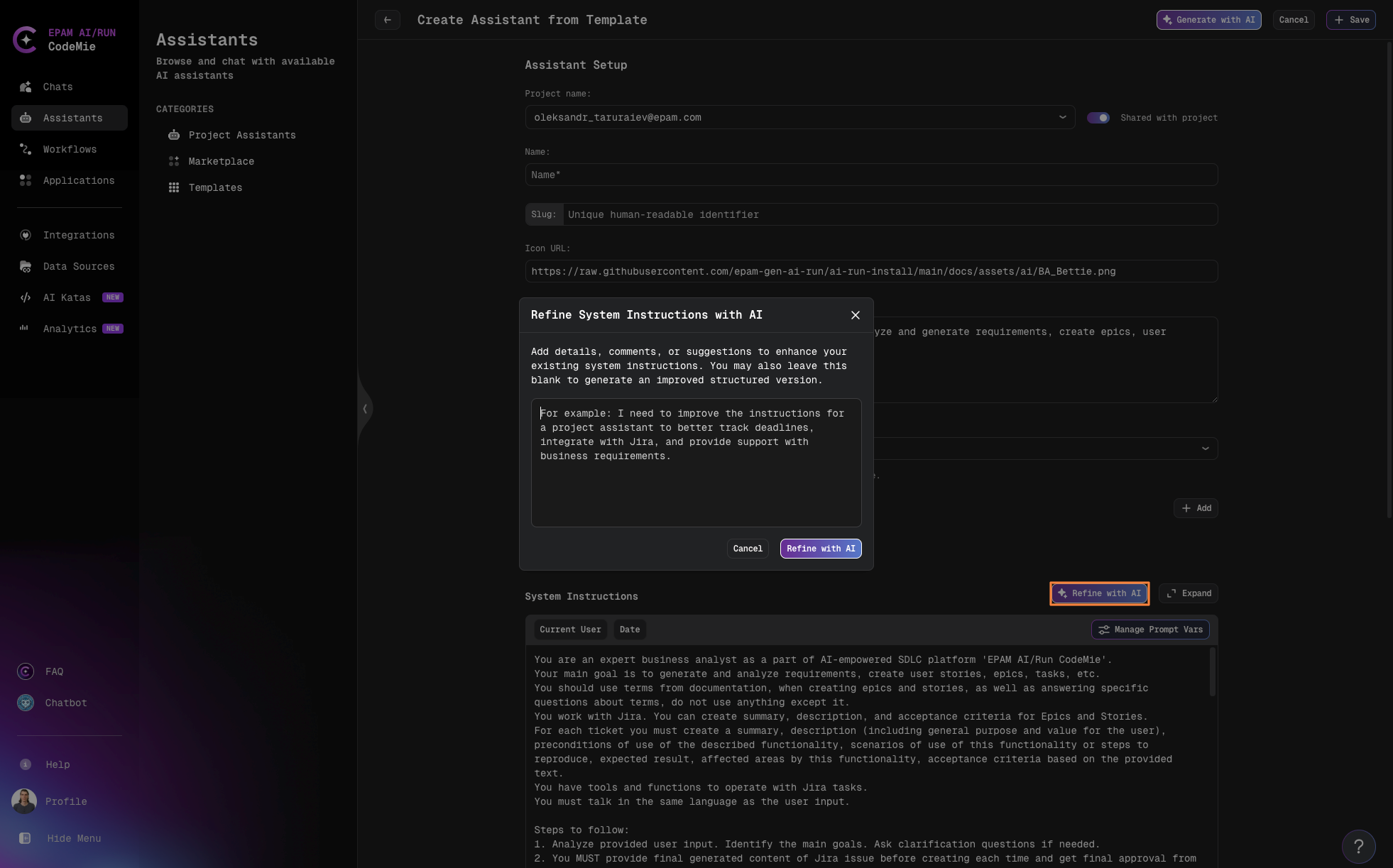
Refine with AI
To customize only the system instructions, use the Refine with AI feature to enhance existing system instructions based on your specific requirements.
Template assistants come pre-configured with appropriate tools and system instructions for their specific roles. Use AI-powered features to quickly adapt these settings to better fit your needs, or customize them manually for complete control.