CodeMie VS Code Native Extension
The CodeMie Native VS Code extension provides a dedicated sidebar interface for CodeMie within Visual Studio Code. This extension offers full-featured access to CodeMie assistants, conversations, and tools in a native VS Code experience.
Prerequisites
- CodeMie Account for authentication
Installation
- Open your Visual Studio Code IDE
- Click on Extensions button or (Ctrl+Shift+X or Cmd+Shift+X)
- Search for "AI/Run CodeMie" in the extensions marketplace.
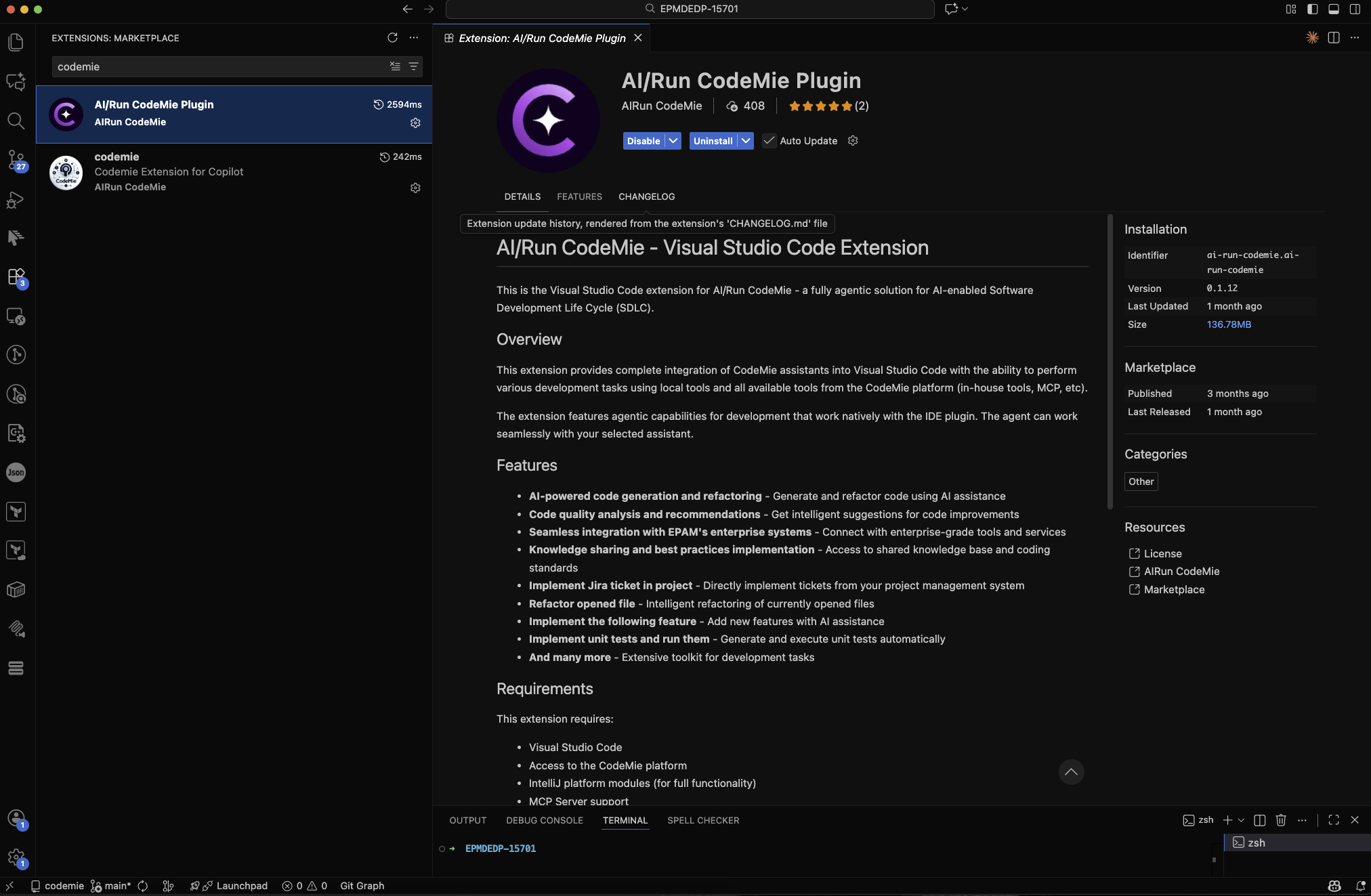
- Click Install and follow the setup instructions provided in the extension documentation
Example of usage
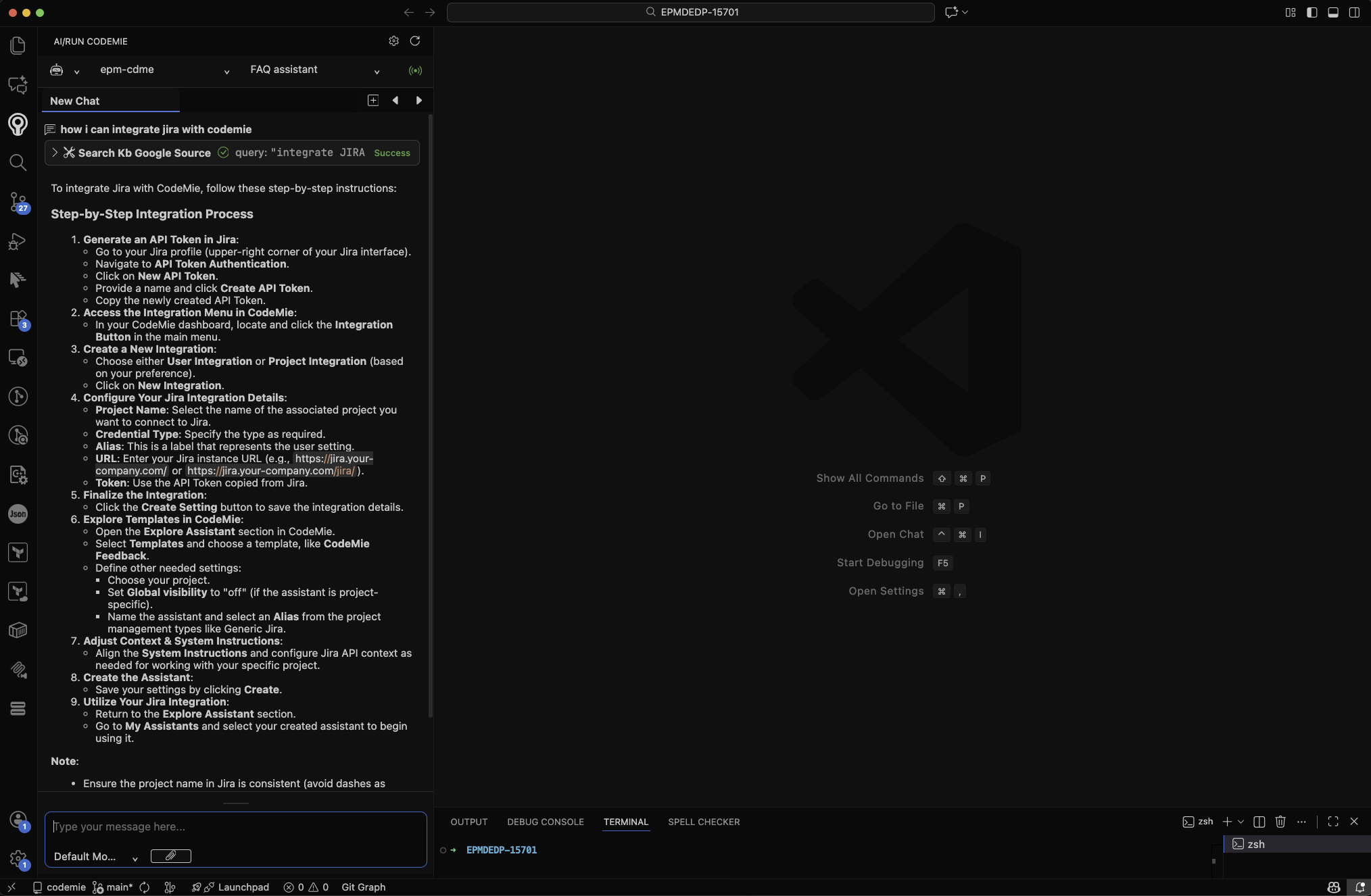
Troubleshooting
Common Issues and Solutions
Extension Not Responding
- Click the Refresh button in the extension interface
- Restart your Vs code IDE
- Check connection status
Authentication Problems
- Verify connection
- Clear extension cache in settings
- Reset login data through extension settings
Configure Claude Code extension to work through CodeMie proxy
From version 0.1.22 there is an option to configure Claude Code VSCode extension to use Codemie as a proxy. This allows to use claude without Claude subscription and obtaining Anthropic API Key
Prerequisites
- "[Claude Code for VS Code]" extension is installed
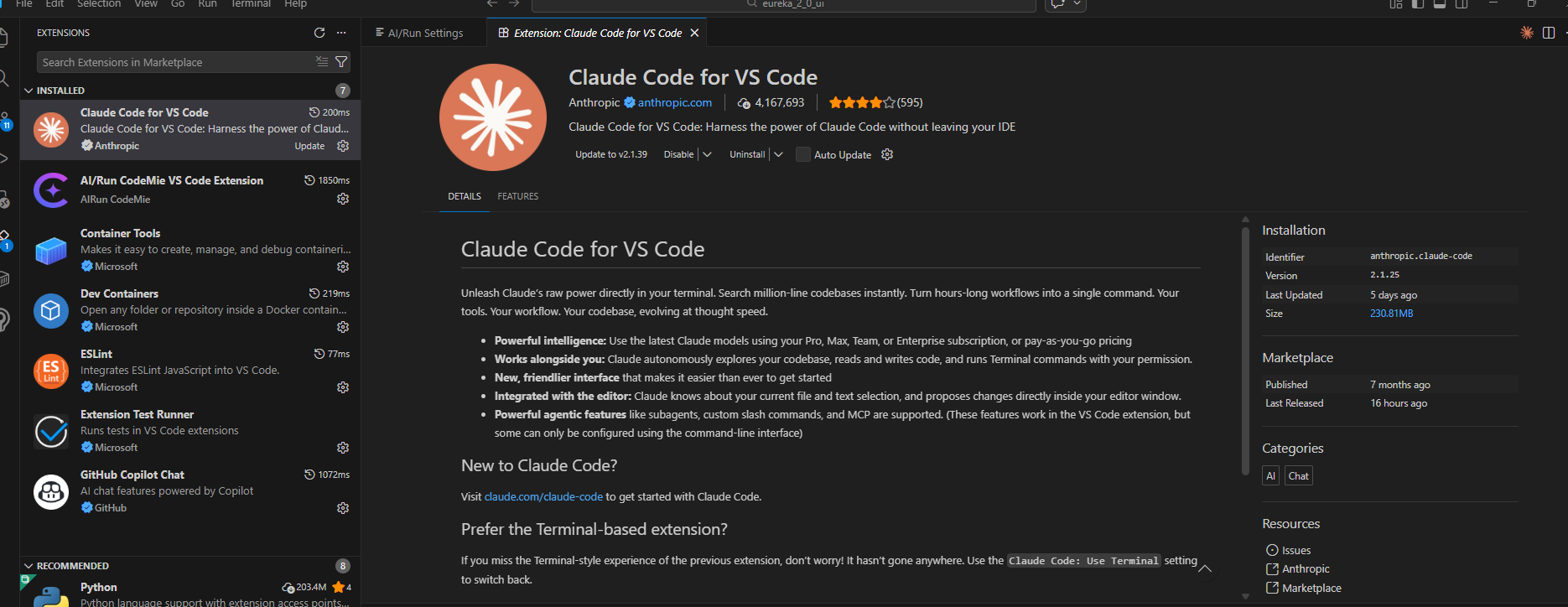
- "[AI/Run CodeMie VS Code Extension]" version >= 0.1.22
Instructions
- Enable "Use Custom Claude Code Configuration" option in AI/Run Codemie extension settings
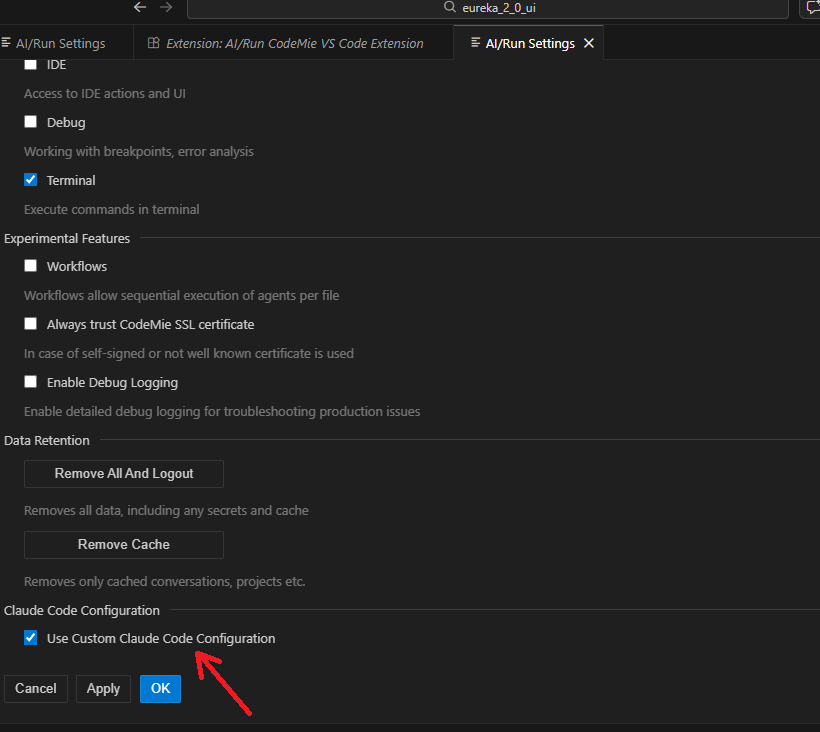
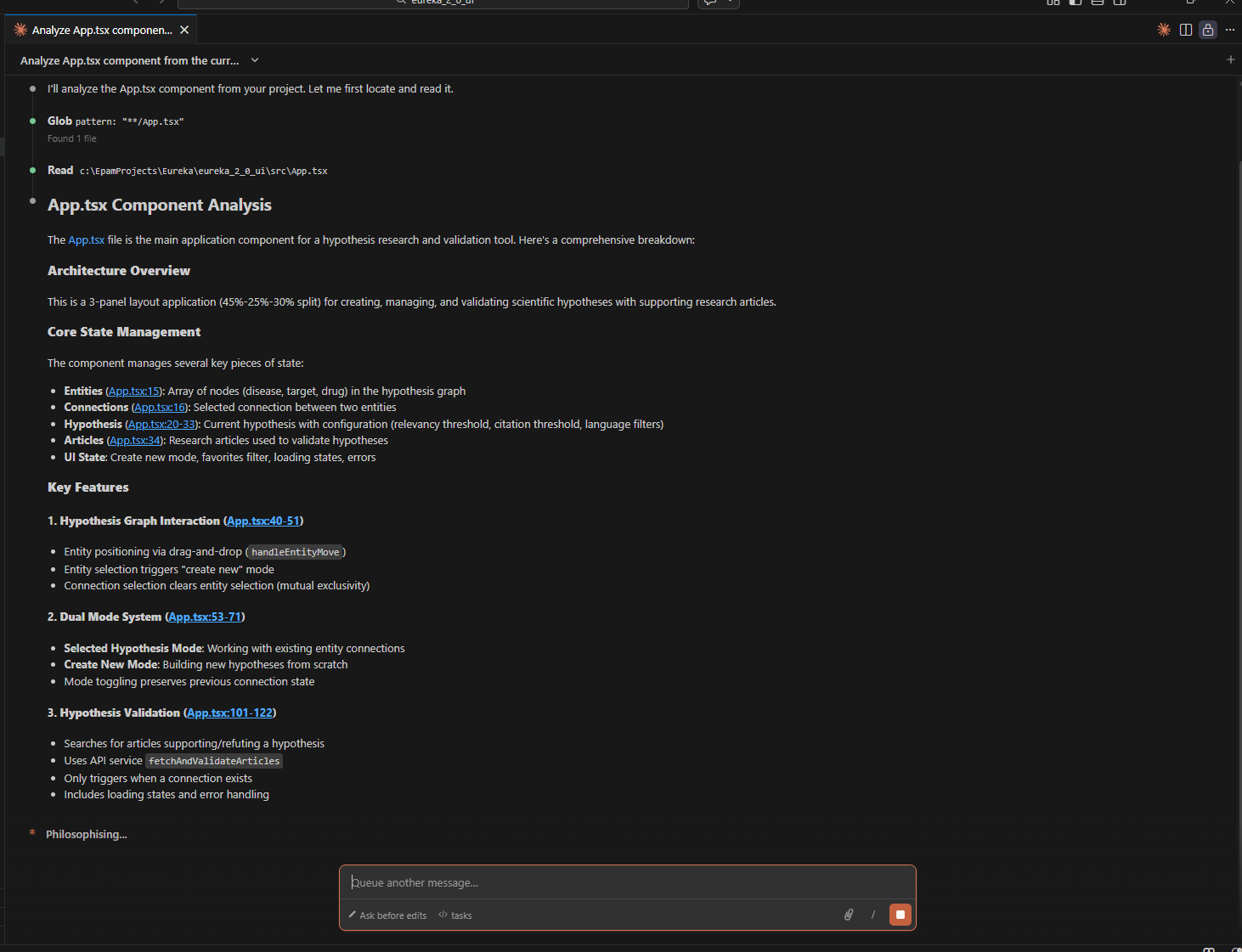
- Open Claude Code extension and start working with it
Potential issues
- Sometimes VS Code doesn't request to "Restart Extension" after update. In this case [Use Custom Claude Code Configuration] option will not appear in extension settings. In this case try to restart VSCode, then open [AI/Run CodeMie VS Code Extension] and check if [Use Custom Claude Code Configuration] option present in extension settings. If restart doesn't help - Uninstall the extension and then Install the most recent version from scratch
- Updating from early versions( 0.0.1, 0.0.2 ) may not be successful. If you have these versions installed - it's better to remove the extension first and then install actual version from scratch.