CodeMie VS Code GitHub Copilot Extension
The CodeMie GitHub Copilot extension integrates CodeMie's AI-powered assistants directly into Visual Studio Code through the GitHub Copilot Chat interface. This extension provides seamless access to CodeMie capabilities while leveraging the familiar Copilot Chat experience.
Prerequisites
- CodeMie Account for authentication
Installation
- Open Visual Studio Code
- Click on Extensions button or (Ctrl+Shift+X or Cmd+Shift+X)
- Search for "AI/Run CodeMie" in the marketplace
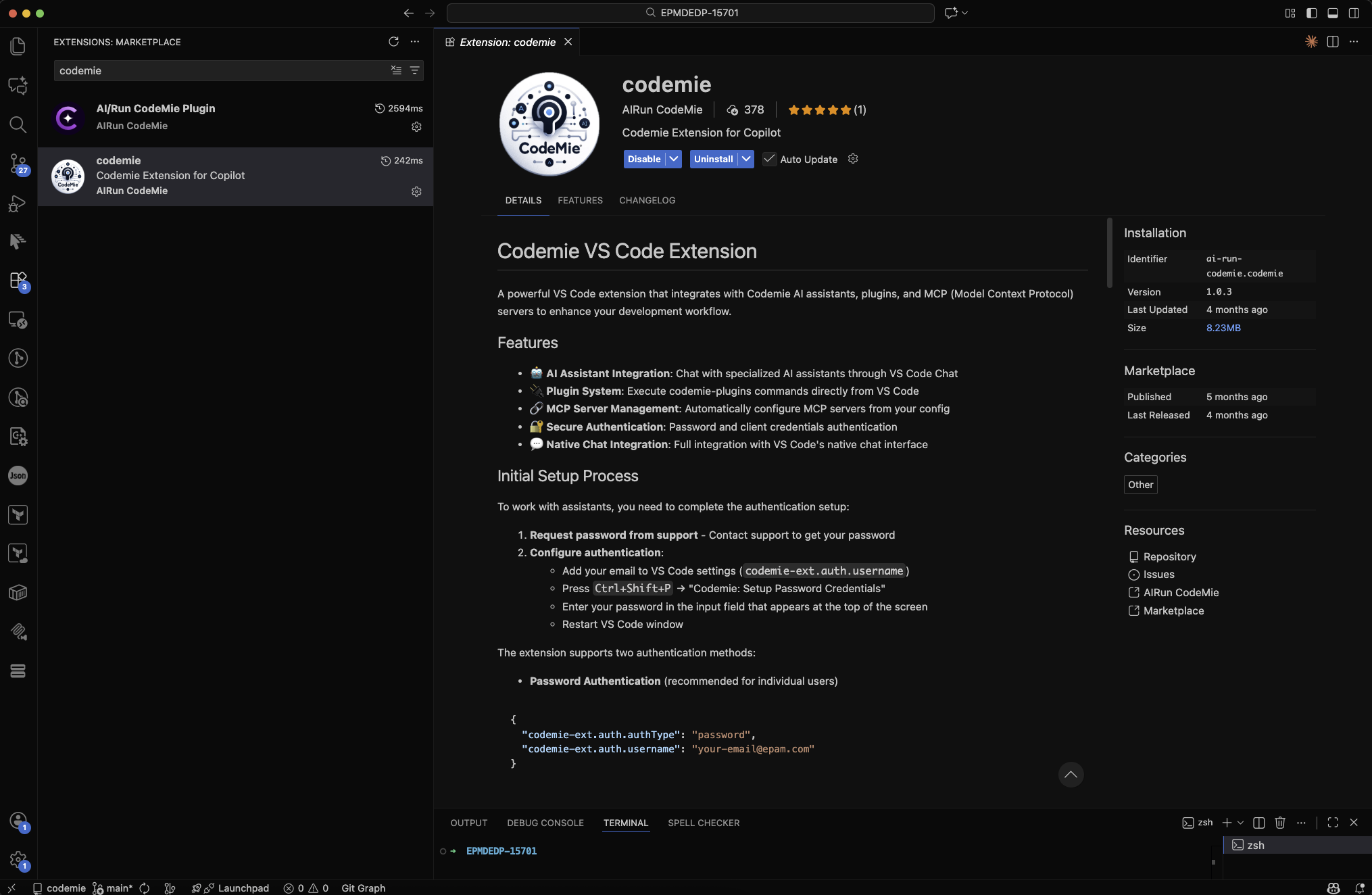
- Click Install and follow the setup instructions provided in the extension documentation
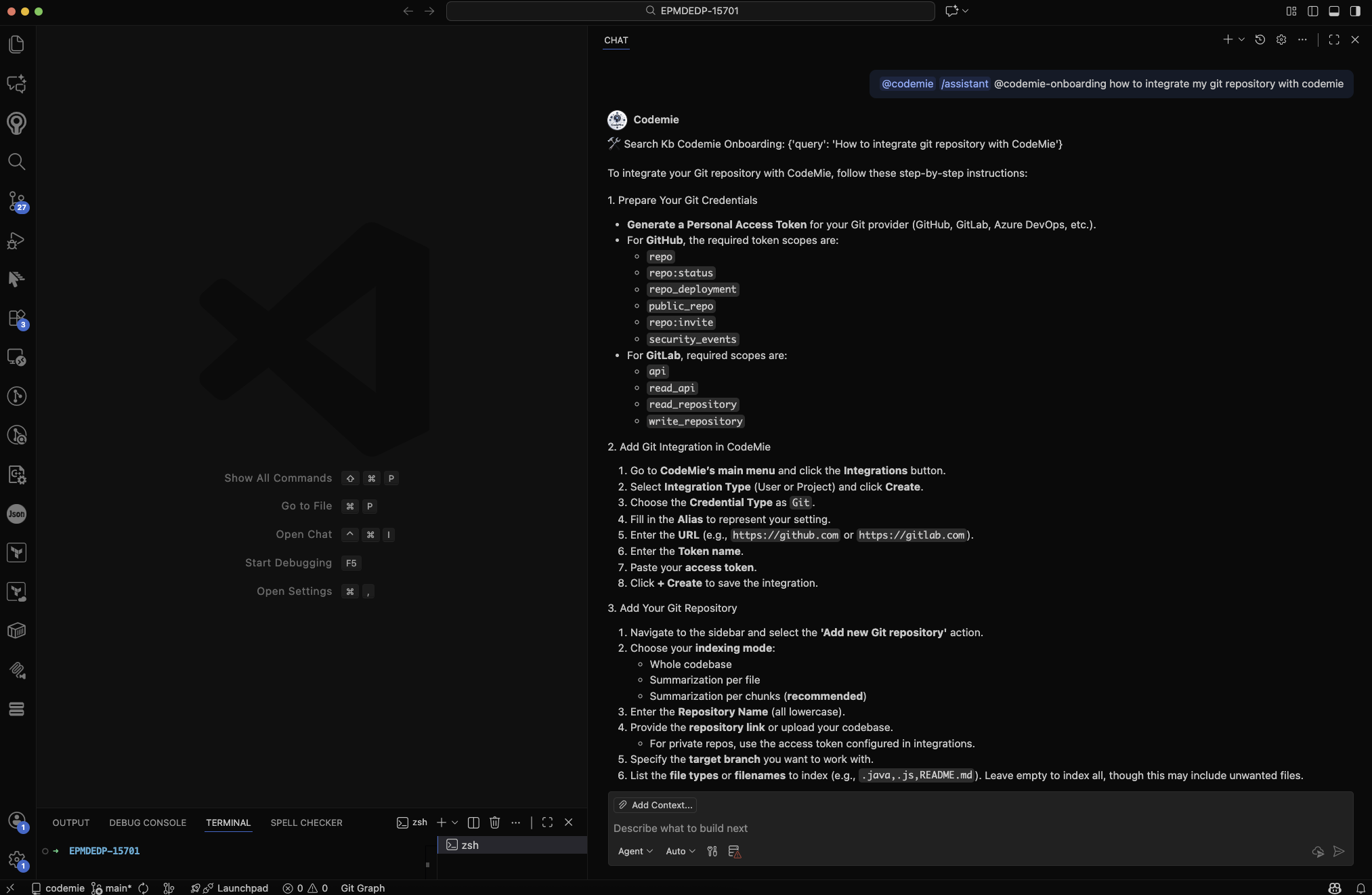
Example of usage
Troubleshooting
Common Issues and Solutions
Extension Not Responding
- Click the Refresh button in the extension interface
- Restart your Vs code IDE
- Check connection status
Authentication Problems
- Verify connection
- Clear extension cache in settings
- Reset login data through extension settings